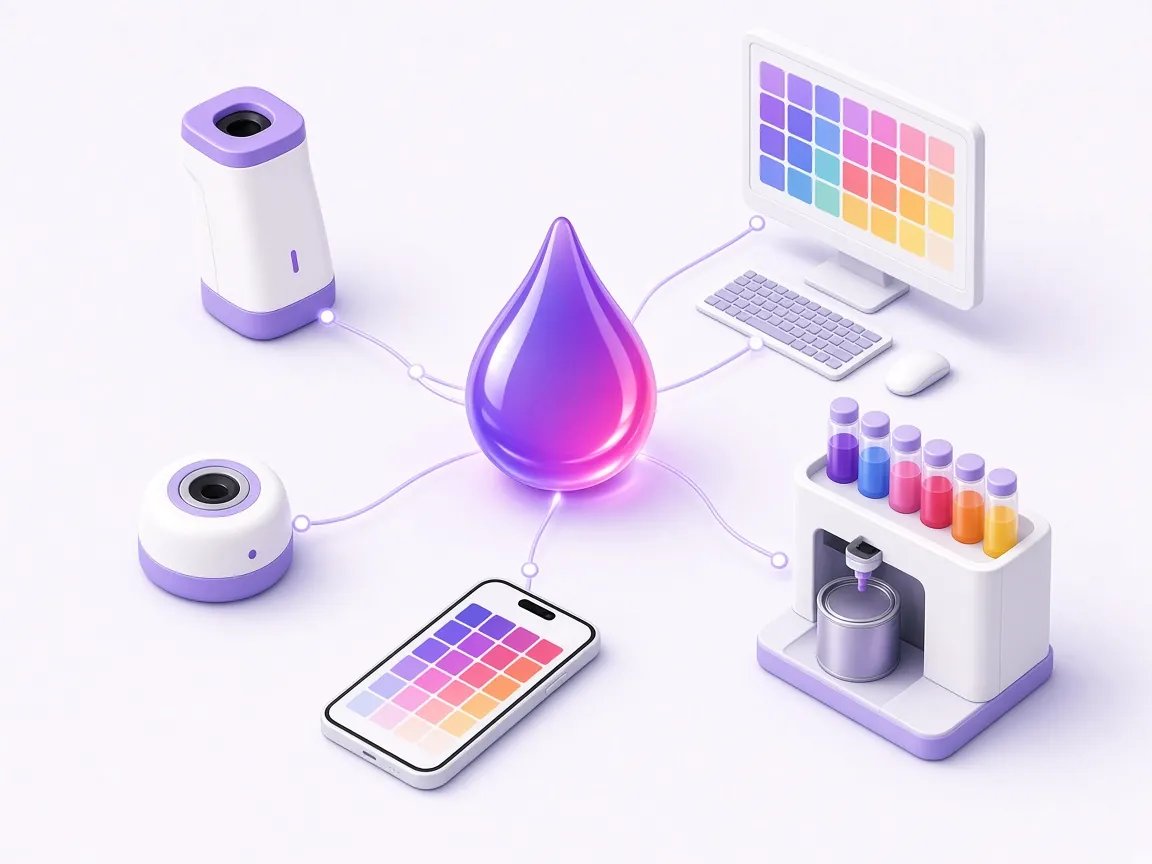
You do not need new devices to use GFCTinter. We adapt it to the measuring devices and tinting machines already in your shop and, if your setup is unusual, we work with you to find the right solution.
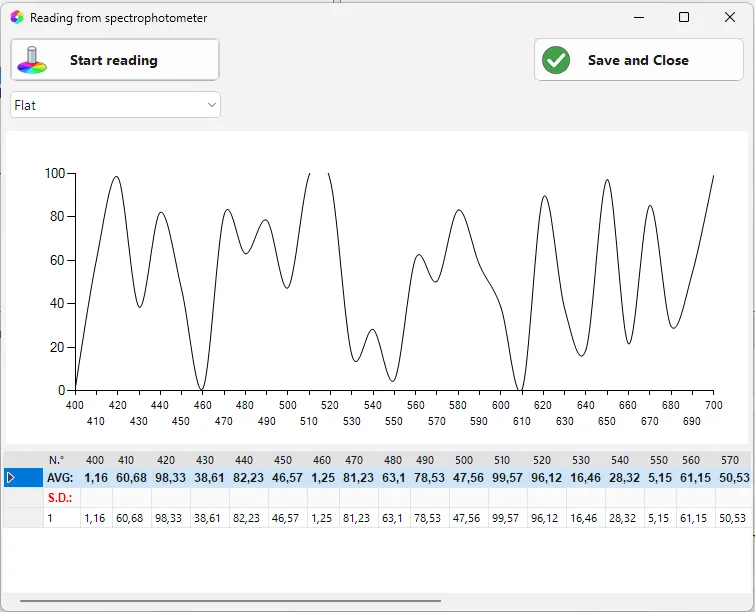
With the spectrophotometer connected you start the reading straight from the program. On difficult samples you take several readings and GFCTinter averages them.
COLORIMETERS AND SPECTROPHOTOMETERS
The devices GFCTinter works with today
A spectrophotometer lets you match and correct the colour of a sample, while a colorimeter quickly finds the closest shade among those already stored. Today GFCTinter works with these devices.
ColorReader Pro and ColorReader Spectro also work with the DataColor ColorReader app, so you can find the closest stored colour right from your phone.
Automatic tinting machines
GFCTinter connects to the most common automatic tinting machines, including COROB, HERO and Fast&Fluid, and sends the formula already converted into the machine’s units.
Manual tinting machines
With manual tinting machines, which have no electronics, the program shows you the doses in ounces and shots to follow by hand, instead of sending them to the machine.
Printing and labels
Print your own labels
You print the can label straight from the program, with the formula details and the UFI codes of bases and colorants already filled in.
Word templates
You customise sheets and labels with your own logo, starting from Word templates. You choose what appears, such as the customer’s details, the formula and the quantity.
Try it with your own bases and colorants
One of our technicians will show you GFCTinter with the products you sell and the colour cards you use every day.